
A picture is worth a thousand words — especially in the hair and beauty industry. Great photos of your work are one of the most effective ways to attract new clients and build trust with potential bookers.
With the Treatwell LookBook reaching thousands of customers online, your photos are the key to showcasing your skills and getting noticed. Here are our expert tips for salon photography.
Why should I only upload my best work to the LookBook?
Every photo should showcase your craft at its very best. Be selective and only upload work you’re truly proud of.
Choose treatments that highlight your unique style and skill.
Make sure the hair or treatment is finished to your highest standard.
Take multiple shots so you can choose the strongest image to showcase.
How does lighting affect the quality of salon photos?
Lighting can make or break a photo. Natural light is the best option to keep colours vibrant and details sharp.
Avoid flash whenever possible, as it flattens colours and creates harsh shadows.
If natural light isn’t available, use a ring light. Set it to around 50% and keep it at a distance to create soft, natural-looking light.
💡 Good lighting instantly elevates your photos, making them look professional and eye-catching.
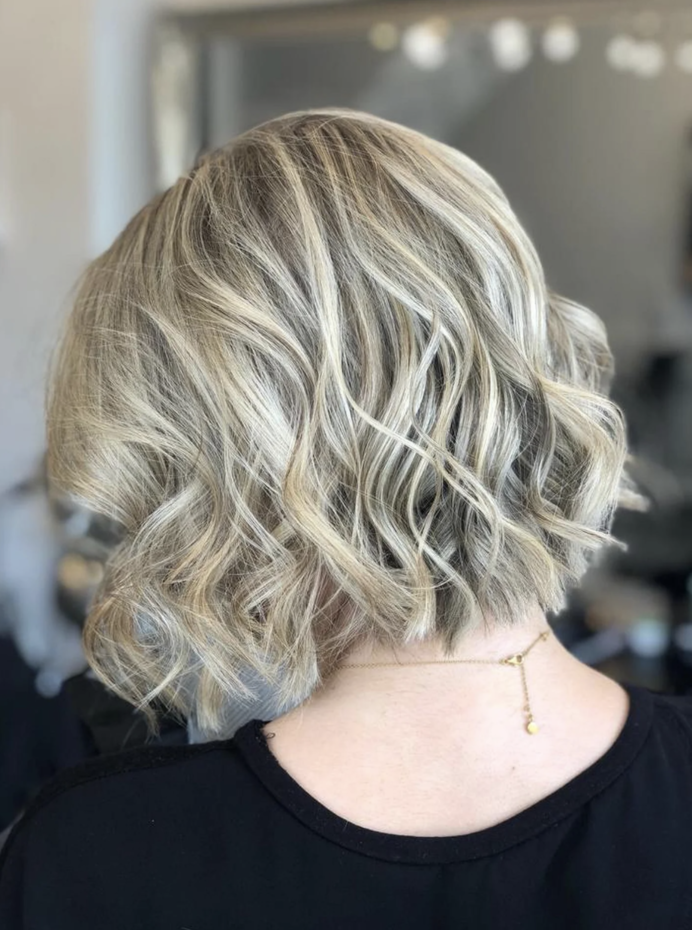
What background and composition work best for salon photography?
The hair or treatment should always be the focus of your photo. A cluttered or distracting background can take attention away from your work.
Keep backgrounds clean and tidy — a simple wall or organised shelf works well.
Avoid "noise” in the frame like clutter, tools, or drinks.
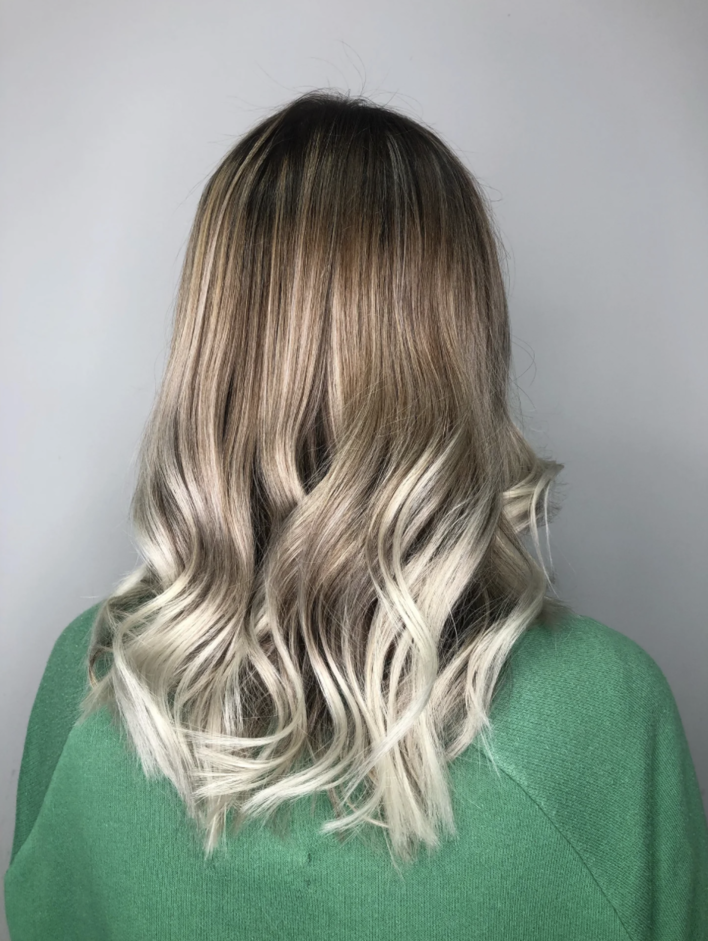
Frame the hairstyle or treatment as the main subject — shooting from the back often works best.
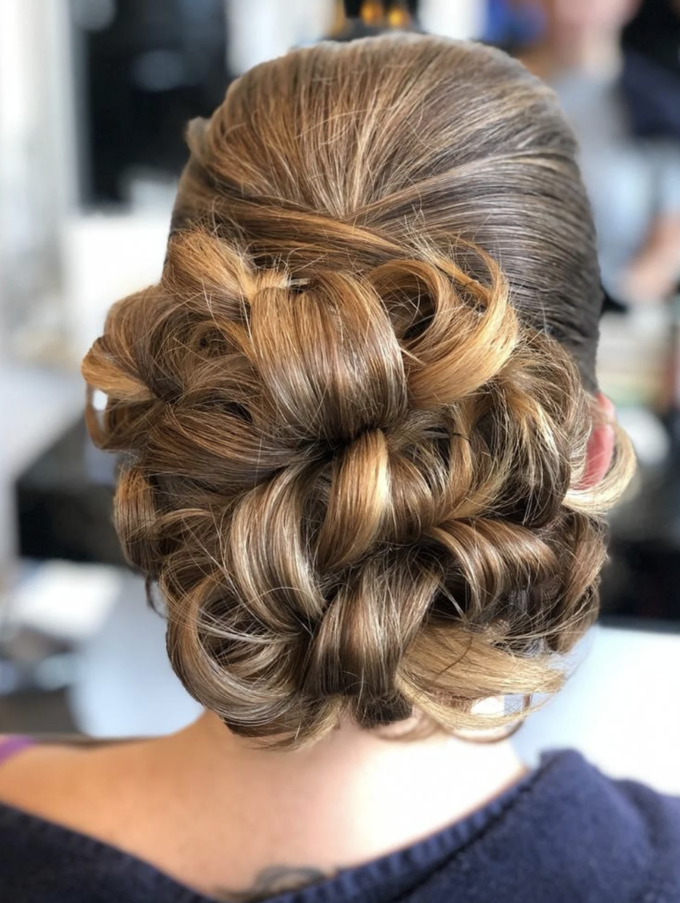
Do I need a professional camera to take high-quality photos?
Not necessarily. Many modern smartphones can take excellent shots, but a professional camera can give you an extra edge.
Borrow or invest in a camera if possible — think of it as a marketing tool.
Ensure your photos are at least 1920 x 1280 pixels so they upload clearly to your portfolio.
High-quality photos are more likely to catch attention and inspire confidence from clients.
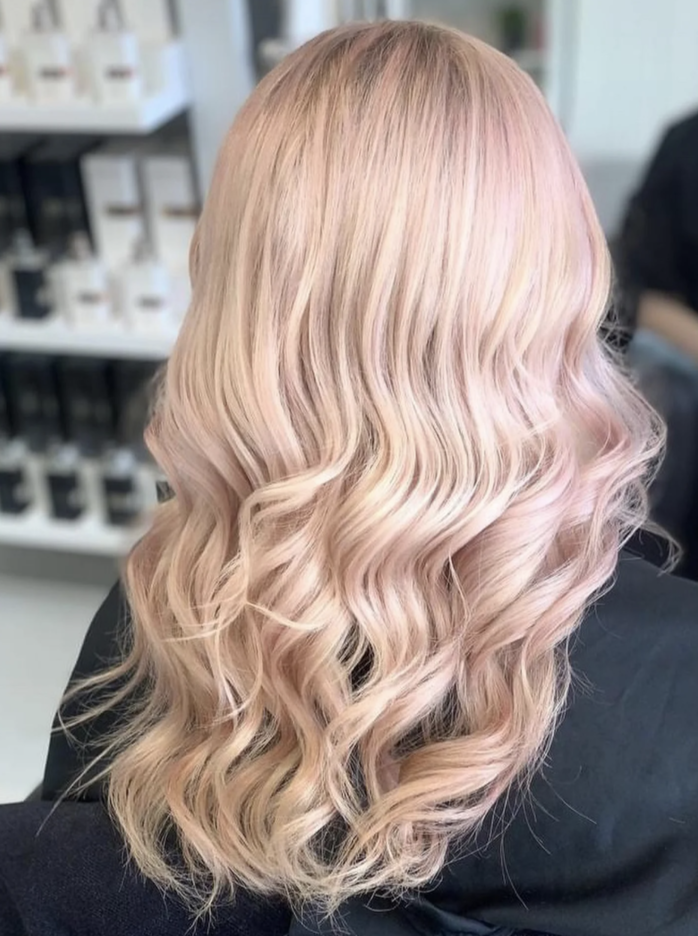
Should I add logos, text, or branding to my photos?
We don’t recommend adding branding. While logos and text might feel like extra promotion, they often distract from your work.
The Treatwell LookBook is designed to highlight treatments, not watermarks.
Keep the focus on the style — let your photos speak for themselves.
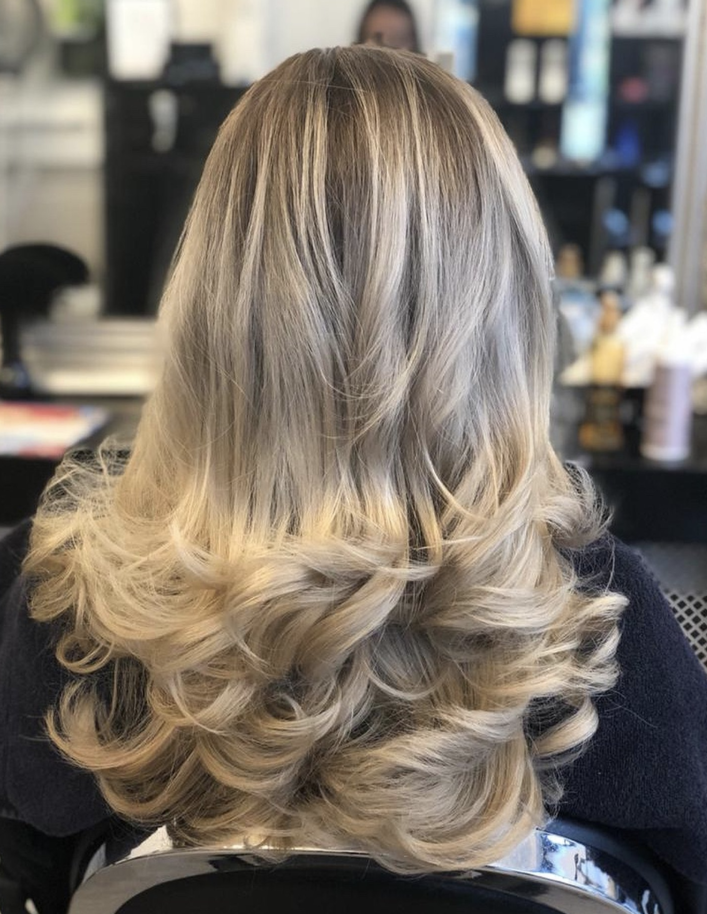
What are the dos and don’ts for uploading photos to the LookBook?
Your portfolio is the key to standing out in the Treatwell LookBook. The right photos inspire clients to book, while the wrong ones can put them off.
✅ Do:
Upload clean, clear, well-lit photos.
Add plenty of images to increase your chances of being noticed.
Tag each photo to the correct treatment type so clients know what they’re booking.
Let your team upload their own best work.
Always get client consent before taking and uploading their photos.
❌ Don’t:
Upload anything offensive or inappropriate (no blood, nudity, or intimate images).
Include personal details such as phone numbers, email addresses, logos, or social handles.
Take sneaky pictures without your client’s consent.
Add venue shots — the LookBook is about treatments, not interiors.
👉 The goal is to inspire potential clients with your best work and make them confident about booking you straight away.
Was this article helpful?