
We know it can be tricky to keep track of all your bookings and customer details, that's why we've made it easy for you with Treatwell Connect. Check out this article below to find out how you can check the details of a specific booking.
Where can I find details of a customer's booking?
Treatwell Connect offers various methods to check your booking details, so you can choose which suits you best:
Via the confirmation emails we send you (Treatwell bookings only)
Via the customer contact details in your 'Clients' section, just click on the customer; here you can find all the details of the specific customer. You will also see their booking history. Just click on the appointment, and you can find everything you need to know about the booking
Via the customer booking itself in your Treatwell Connect Calendar, just click on the booking, and here you can find everything you need.
What booking details can I find in the booking in the Treatwell Calendar?
You can find all your customers' important information in the booking itself. Here, you can see what you'll find:
The customer's name and contact details.
If it's the customer's first visit or if they are repeat customers.
The service they have booked, as well as the duration and team member booked
The commission charged for that booking.
The order reference for the booking (this can be used if you ever need to contact us regarding a booking, and also when you're checking your invoice details).
Which payment method has the customer chosen.
Where can I find a customer's contact details?
You'll find the name, phone number, and email address of the customer:
At the top of the appointment card in Connect
In the booking confirmation email we sent to you
In their client card in the Client List
Where can I find out how a customer has paid?
So that you know whether to collect payment from the customer, you can check their payment method:
By hovering your mouse over the appointment in your calendar
On the appointment card in Connect (above the 'checkout' button)
In the confirmation email we sent to you
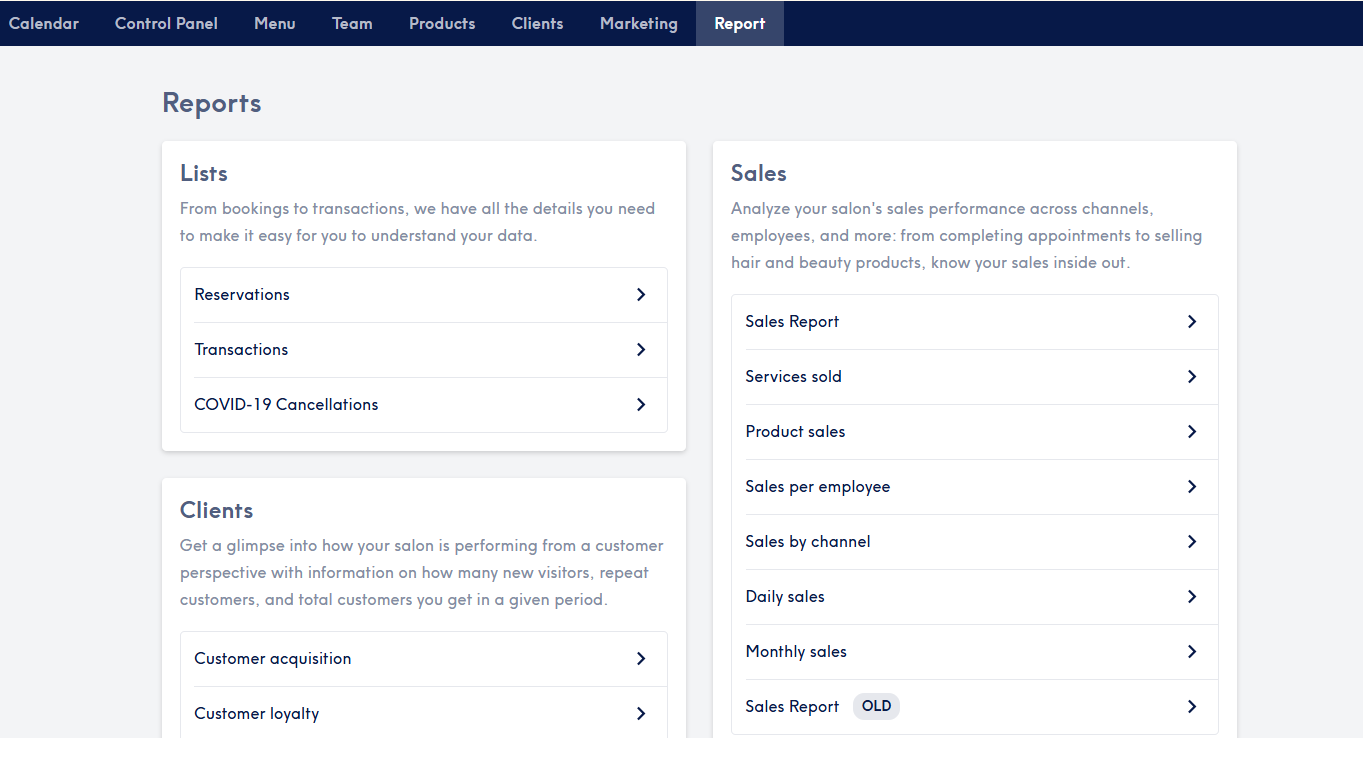
If you ever need to refer back to whether an appointment was prepaid or pay at venue, head to 'Reports' in Connect for all the crucial info behind a booking
Where can I find the customer order reference?
If you need to contact us about an order, we'll need the reference number. Find this:
On the appointment card in Connect (below the appointment date and time)
In the confirmation email we sent to you.
Where can I see how much commission I'm being charged for each booking?
So that you can keep track of your finances, we clearly state our commissions and fees:
On the appointment card in Connect (below the appointment date and time)
In the confirmation email we sent to you
In the invoice that is sent to you as part of our billing cycle, more info on invoices here.
Where can I find the customer's booking history and notes?
The customer's full booking history, including cancelled orders, can be accessed:
By clicking their name from the appointment card in Connect
By searching for their name in your Client List
In your list of bookings (just go to Reports and then Bookings)
Where can I see if a customer is a new client or a repeat customer?
When a booking is placed (across any channel), we tell you the type of customer who booked (first visitor or returning) and which specific source they booked through (be it widget, marketplace, or a manually entered appointment in Connect).
For bookings where a Treatwell charge applies, Connect shows you the fee in this information, or if no charges apply, we’ll mention that too.
Was this article helpful?