
Sometimes a call genuinely needs a person — an unusual request, a complaint, or simply a client who'd rather talk to someone at the salon. Here's how to decide what happens in these cases.
Transferring to a person
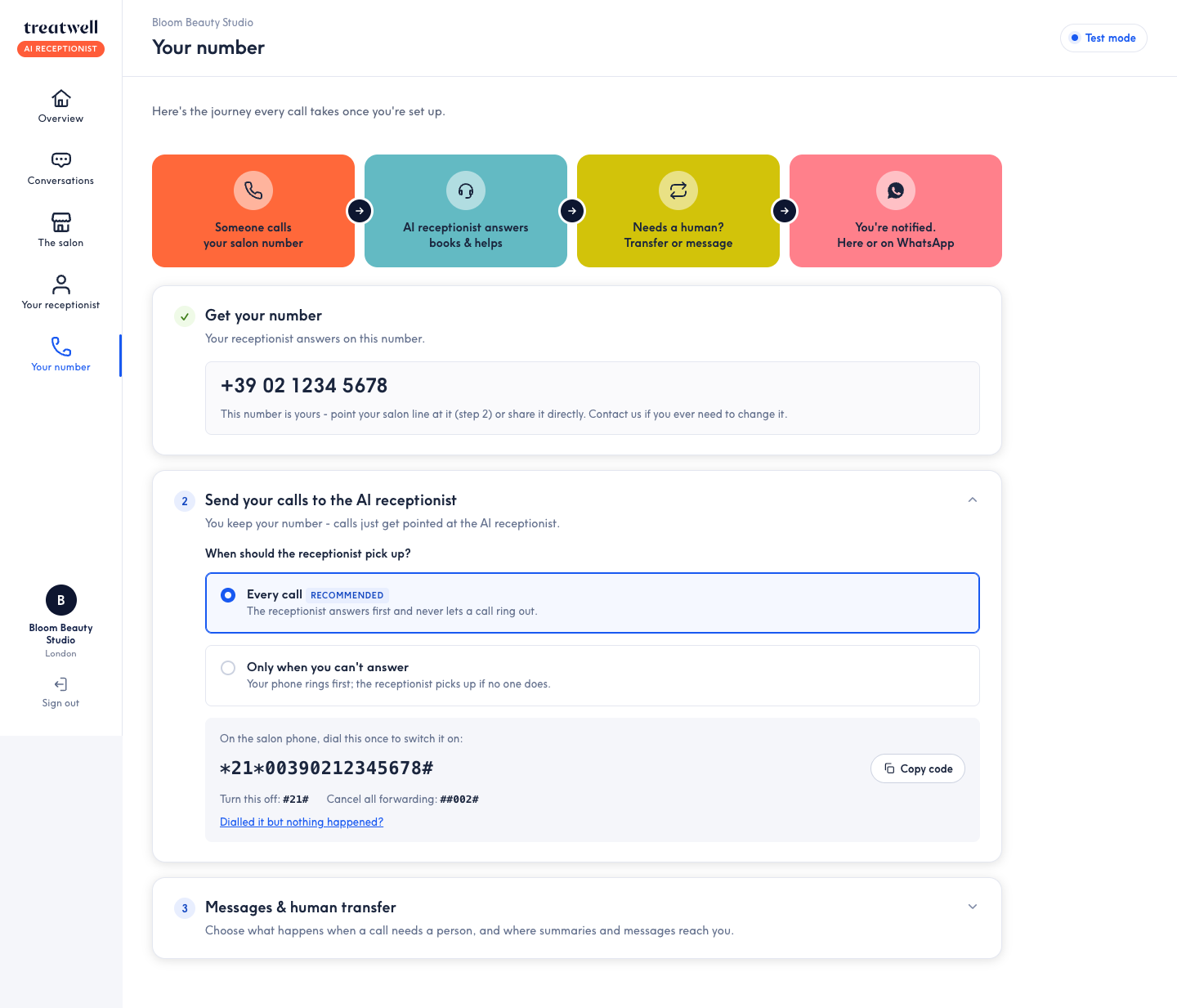
These settings are also on the “Your number” page, further down.
You can set a number the receptionist transfers the call to when a person is needed:
Transfer number — the phone that should ring (e.g. your mobile, or the front desk's).
How to connect the call:
With an announcement — the receptionist tells you who's calling first, so you're prepared.
Direct — the call is connected right away, with no announcement.
⚠️
The transfer number needs to be different from the receptionist's own number — otherwise the call would keep “bouncing” back and forth.
Messages and WhatsApp notifications
If nobody's available to answer right then, the receptionist can still take a message for you:
Add a WhatsApp number where you want to receive updates — you can use the same number as the transfer by ticking the dedicated option, or set a different one.
Messages taken by the receptionist are available in the Overview. If you’ve set up WhatsApp notifications, you’ll also receive an alert on your chosen number.
💡
Even without a WhatsApp number set, every message stays visible in the Conversations section — see How do I review calls handled by the receptionist?
You're all set!
With these settings turned on, every call the receptionist can't finish on its own is still handled:
Transferred to a member of your team, with or without an announcement, depending on your choice
Or taken as a message, available in the Overview and sent as a WhatsApp notification if configured
You can change these settings at any time — changes apply from the next call onward.
If you ever need help, get in touch with your Treatwell contact.
Was this article helpful?