
Resolving any queries or issues is easier than ever. Whether it's advice on treatments, assistance with bookings, or anything else you may need help with, we're here for you.
How can I access Treatwell’s new Chat Support Feature?
Here you can find how to access our chat:
Log in to your Treatwell customer account.
Scroll down to find the Chat Support button on your account page.
Click on the button, and a chat window will instantly pop up.
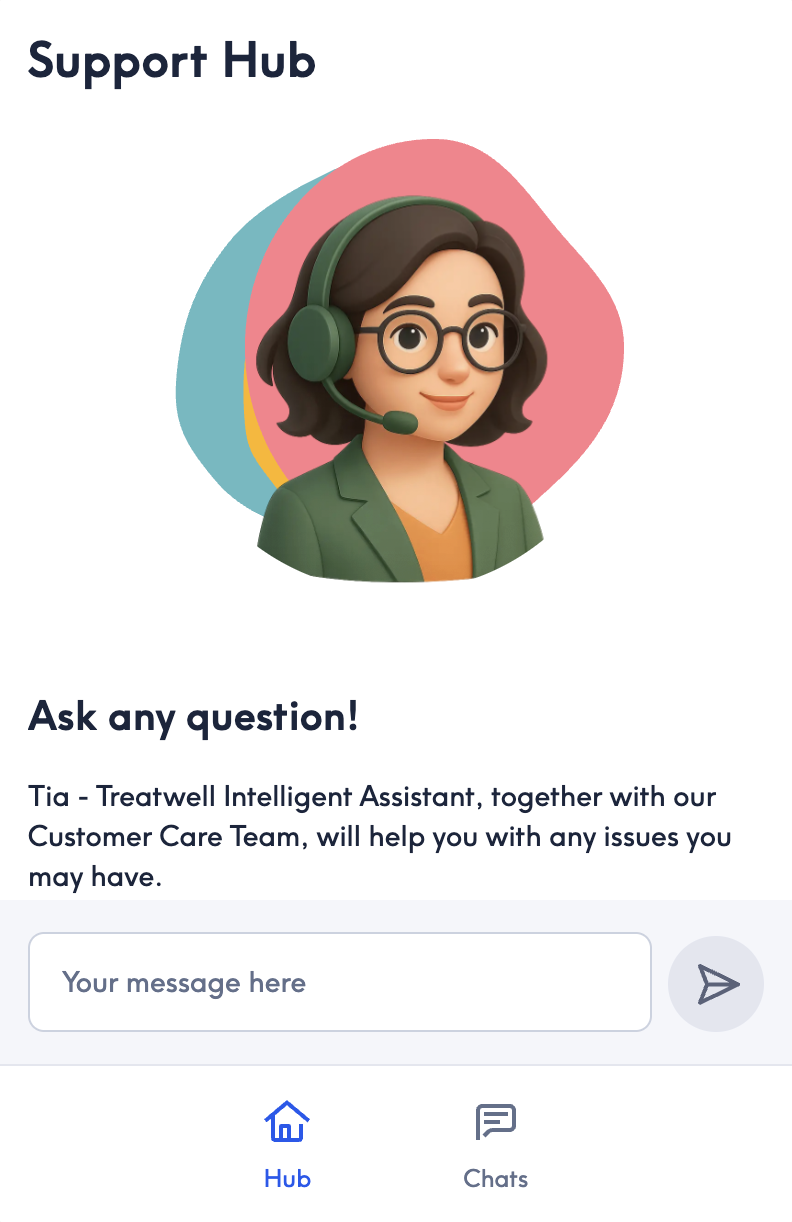
Enjoy the convenience and efficiency of our new Chat Support feature and experience seamless customer service at Treatwell. We look forward to assisting you!
How will I know when a support agent has replied to my chat?
We’ve introduced real-time push notifications for our app to ensure you never miss a beat in your support conversations.
If you close the app or switch to another page while waiting for help, you will now receive an instant alert on your mobile device as soon as a live agent sends a message.
The notification will display the name of the agent assisting you, and a short preview of their reply, allowing you to jump back into the chat and resolve your query even faster.
To activate them, follow the steps below:
On iOS (iPhone):
Open Settings and tap Notifications.
Scroll down and select the Treatwell app.
Toggle Allow Notifications to On (green).
For the best experience, ensure 'Banners' and 'Sounds' are also enabled.
On Android:
Open Settings and tap Apps (or Apps & Notifications).
Tap See all apps and select Treatwell.
Tap Notifications and ensure the toggle for All notifications is turned On.
Tip: You can also long-press the app icon on your home screen, tap the 'i' (App Info) icon, and manage notifications from there.
Note: You will not receive real-time push notifications for AI messages.
How can I get help if I don’t have a Treatwell account?
If you don't have an account or cannot log in, you can still contact our support team. Take a look at this article to find out how to get in touch with us—we’re here to help!
Or in case you prefer, you can also find any how-to information in our Help Center.
Was this article helpful?